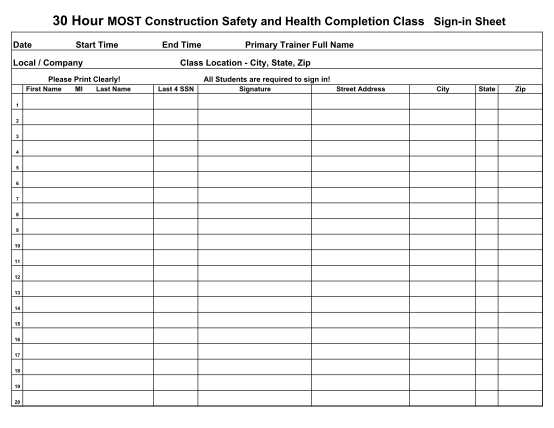
For smooth organization, it’s crucial to have a structured way to track individuals who attend your event. This document allows you to collect names, contact information, and any other necessary details for follow-up. Set up columns for the attendee’s full name, email, phone number, and the time of arrival, ensuring clarity and easy access to the information you need later.
Consider including additional fields that could be relevant to your specific event, such as department, special requirements, or a signature section for confirmation. This will ensure you don’t miss any important data and that you can keep track of every participant efficiently.
Having this form on hand can be especially useful for events that require follow-up communications or for keeping a record of attendance for future reference. You’ll save time and avoid the hassle of trying to manually gather this information post-event. Plus, it offers a clear overview of who was present, helping with any necessary post-event reports or evaluations.
How to Create an Effective Attendance Log
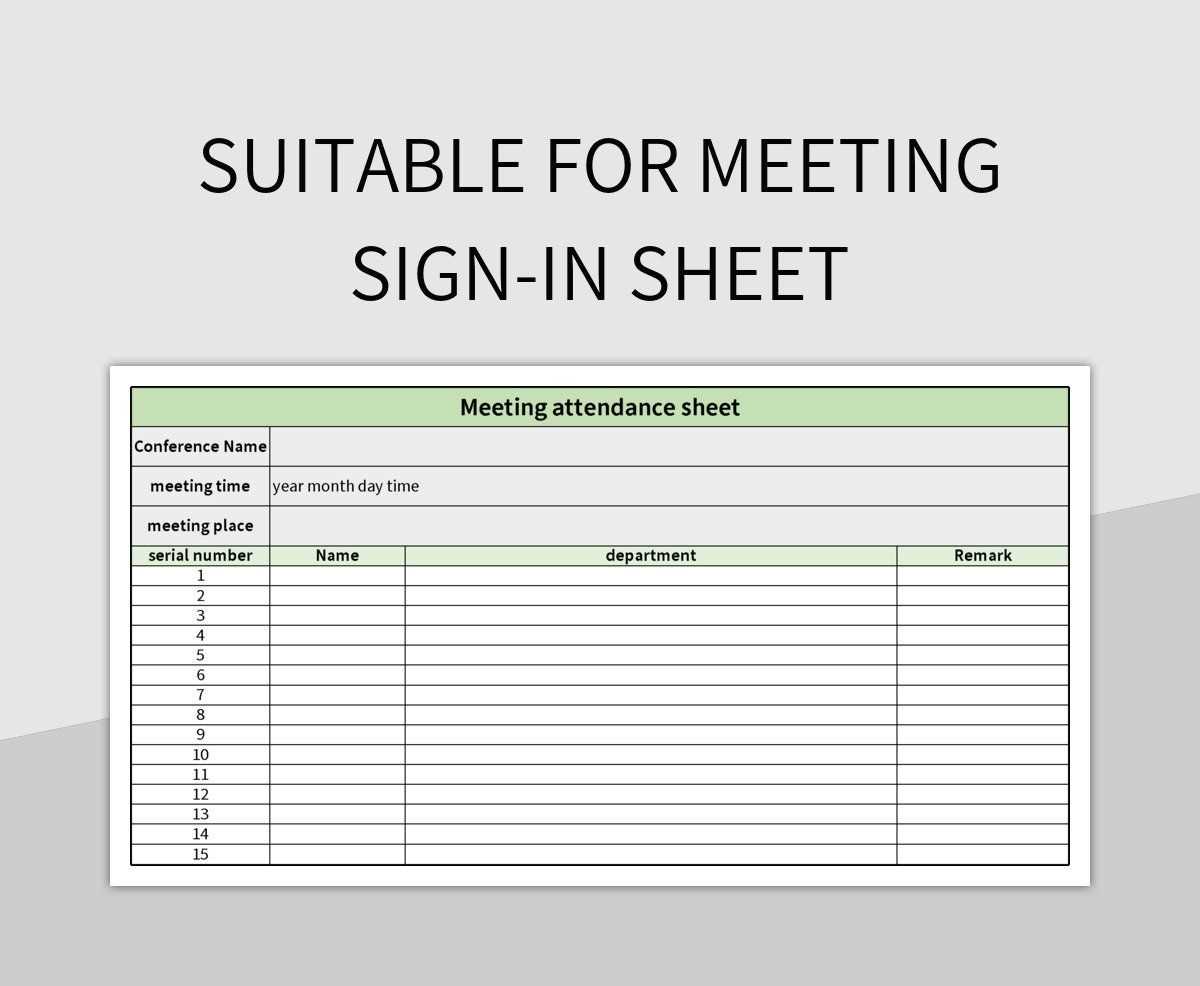
Start with a simple layout that includes columns for participant names, time of arrival, and contact details. This structure ensures quick and clear data entry, especially in larger groups. Consider using a larger font to make it easy to read, especially if the log will be printed on standard letter-sized paper.
Include a section for any additional notes. This could be useful for recording reasons for absence or key observations during the gathering. A brief remarks column helps track relevant information without complicating the main structure.
Use clear headers for each column to ensure participants know where to write. Keep your headings concise, using words like “Name,” “Arrival Time,” “Phone,” and “Email” rather than longer labels that could clutter the page.
If you are expecting a large number of attendees, consider breaking the list into multiple pages or sections. This prevents overcrowding in the log and allows participants to comfortably add their information without feeling rushed.
A space at the bottom can also be reserved for signatures or any additional confirmations, particularly in formal contexts where you need proof of attendance.
For those with digital tools at hand, a simple way to ensure accurate records is by creating a fillable form online. You can then print it out, or have it automatically generate a report for your records, avoiding errors due to manual input.
When distributing the attendance form, offer a pen that is visible and easy for people to grab. The logistics of having it available and easily accessible will prevent any delays or confusion at the start.
Lastly, consider the layout’s design. While the functionality is key, a clean, organized presentation will encourage neatness. Avoid too many lines or boxes that might confuse participants. Stick to basic lines and plenty of white space for a smooth experience.
How to Create a Customizable Sign-In Form for Your Gatherings
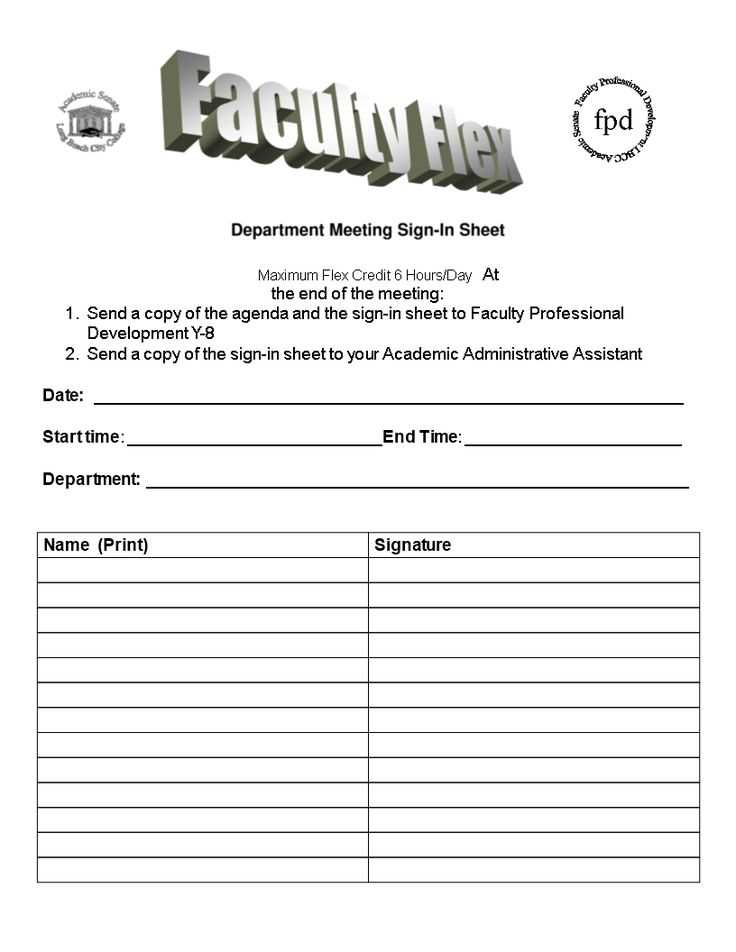
To design an adaptable attendance form, focus on fields that are most relevant to your event. Basic data such as name, email, and time of arrival should be mandatory, while additional sections can be added as needed. For instance, you may want to include a field for company name or department if relevant to the purpose of the event.
Adjust the layout for simplicity. Arrange the fields in a logical order, so attendees can fill them out quickly. A two-column format works well for shorter forms, while longer entries may benefit from a single-column setup. This way, you keep things organized without overwhelming users.
Keep flexibility in mind when creating the document. Add or remove fields based on your specific requirements. For example, you may need a checkbox for confirming attendance or an optional comment section for special instructions or preferences.
If you plan to use the form across different events, design it in a way that allows for easy adjustments. Consider creating a master template with placeholders for event-specific information such as date, time, and location. This will help avoid reformatting each time a new gathering takes place.
Consider integrating a signature line if the event involves legal or contractual agreements. This can be added as a separate section or combined with the contact information section, depending on the needs of the event.
Ensure that the form is printable with ease by setting proper page margins and adjusting spacing to avoid cutting off text. Also, avoid excessive text and keep instructions short and clear to make it easy to fill out, even under time constraints.
For digital use, make sure the document is easy to modify. Choose a file format that maintains formatting integrity, such as PDF or editable Word document. This allows you to make any necessary changes without starting from scratch every time.
Finally, test the form before the event to ensure all fields are visible, well-structured, and functional. A quick review can help identify any issues that might complicate the completion process during the actual gathering.