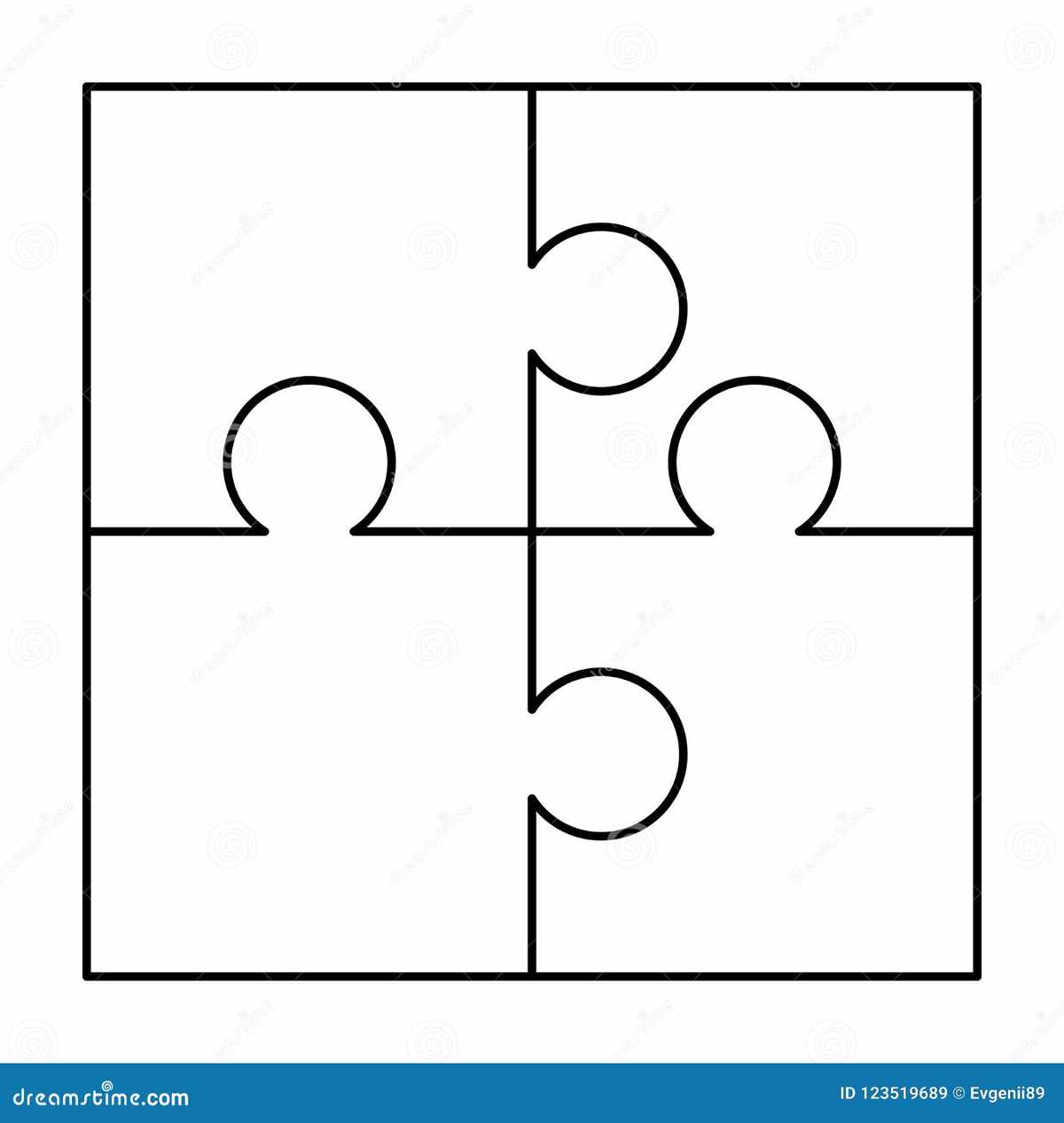
To create fun, interactive activities for children or adults, print oversized jigsaw shapes using standard home equipment. Start by selecting a high-quality paper type such as cardstock or heavy-duty printer paper to ensure the printed shapes hold up well during handling. Next, adjust your printer settings to accommodate larger dimensions, ensuring the final result fits the size you need.
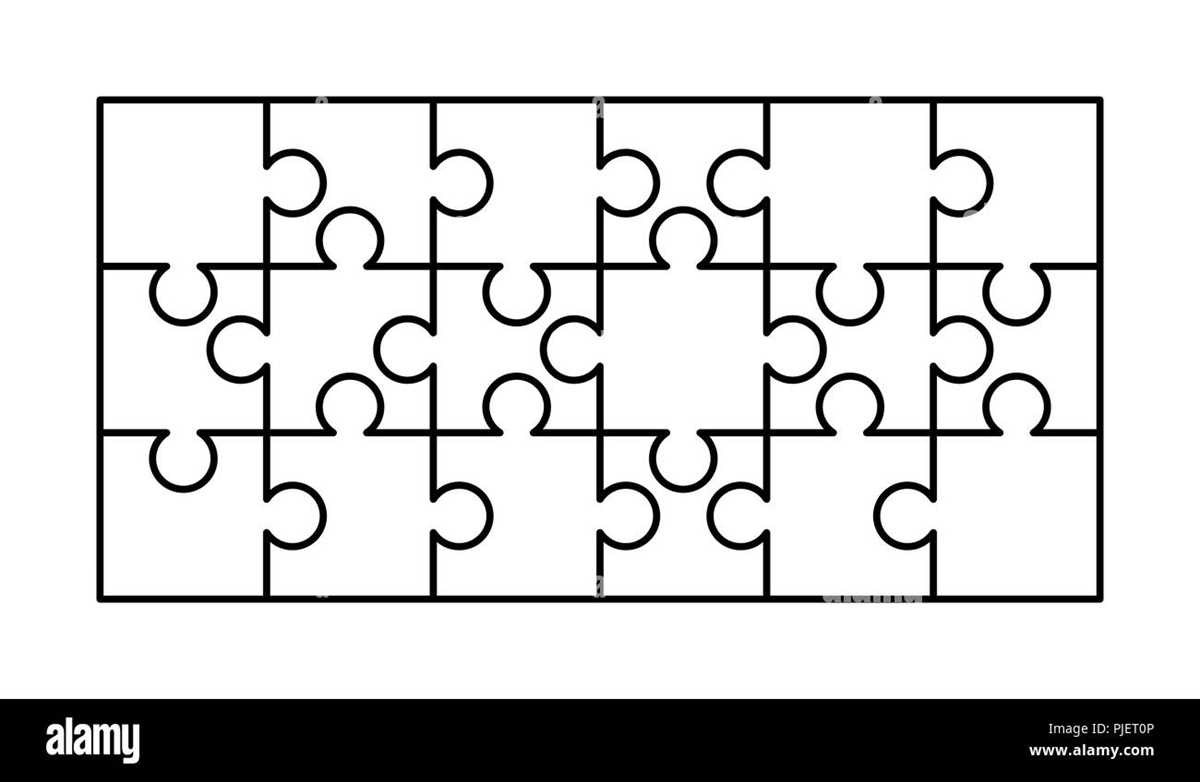
If you’re aiming for a more durable finish, consider laminating the shapes after printing. This will add sturdiness and allow for repeated use. For an extra layer of creativity, use colored markers or paints to decorate each shape after printing to create personalized designs, suitable for various events such as parties or educational activities.
Printing these shapes allows you to cater to specific sizes that are easier to handle for young children or individuals with limited dexterity. Whether you’re creating a custom game for a birthday party or looking for educational tools to teach about shapes, this option provides flexibility and customization for any occasion.
Creating Fun Activities with Large Jigsaw Components
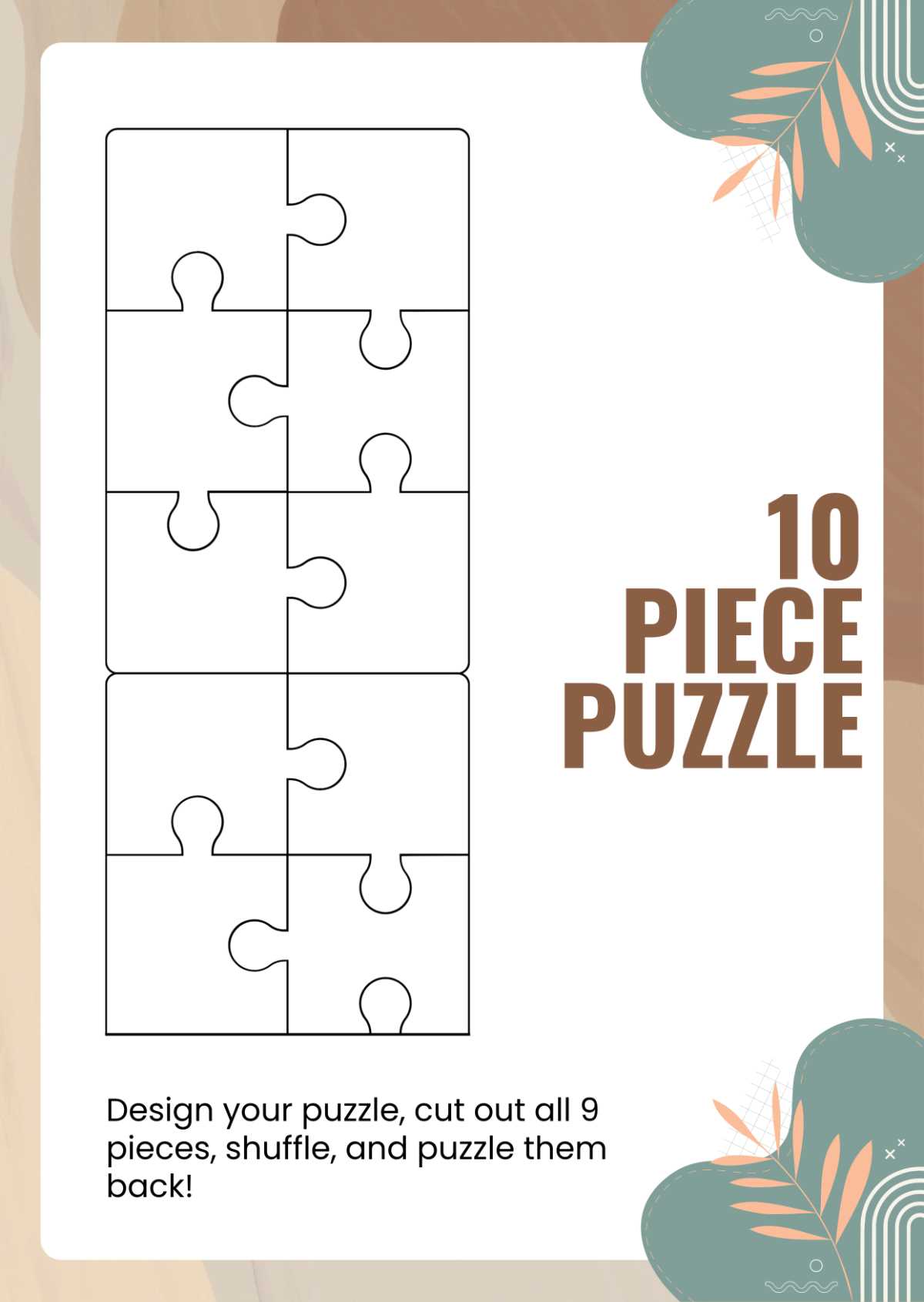
Start by selecting the right paper or cardstock for your components. Choose thick materials such as 80-100 lb cardstock to ensure durability during use. Avoid lightweight paper as it may tear easily when handled. Setting your printer to a higher resolution will improve the clarity of the printed shapes, making them more defined and easy to cut out.
Once the components are printed, use a sharp pair of scissors or a craft knife for precise cutting. Ensure that the edges are smooth to avoid any rough cuts that might make the pieces harder to assemble. If you want a cleaner look, consider tracing your shapes onto the back of the paper before cutting to keep visible marks to a minimum.
If you’re planning on using the shapes for a group activity, consider numbering or color-coding each part. This will help participants easily identify where the pieces fit. For younger users, simplify the design or use fewer pieces to avoid frustration. You can also laminate the pieces for long-term durability, especially for educational purposes.
For additional creativity, customize each shape with designs that match the theme of the activity. Whether it’s animals, shapes, or even holiday motifs, personalizing each component will make the experience more engaging and enjoyable. You can also add text or fun facts to turn the activity into an interactive learning tool.
These custom shapes can also be used beyond just puzzles. Consider turning them into interactive learning tools or games. You can use the printed components for building math problems, creating storytelling prompts, or for team-building activities. This flexibility makes them suitable for various events such as parties, classrooms, and therapy sessions.
How to Print Large Components at Home
To start, ensure your home printer supports printing on large paper formats, such as A3 or tabloid size. If your printer only accommodates letter-sized paper, you can still print the design in sections and assemble the components later. Some printers allow you to adjust the print settings to scale an image across multiple sheets, which is useful for printing oversized designs.
Use high-quality, thick paper such as 80 lb or 100 lb cardstock for sturdiness. A heavier weight paper will hold up better to handling and is less likely to tear. You may also want to use a matte finish to avoid any glare that could distort the image when assembling the parts. Avoid using glossy paper unless it’s necessary for aesthetic purposes.
If your printer is not capable of printing larger formats, consider downloading and using a free PDF splitting tool. This will divide your design into multiple smaller sections that can be printed on standard paper. After printing, align and tape the sections together to create a larger version of your design. This technique works well for detailed images and ensures a seamless result.
Adjust the resolution of your image before printing to ensure crisp, clear lines. Higher DPI (dots per inch) will result in a sharper print, which is crucial for precise cutting later. Most design software or PDF readers will allow you to set the resolution before printing, so make sure to select the highest possible setting for best results.
Finally, cut the components carefully using a sharp pair of scissors or a craft knife. Precision cutting is key to achieving clean edges, especially when dealing with intricate designs. Once cut, you can laminate the sections for added durability, or leave them as-is if you plan to assemble them right away. Store them flat to prevent bending or curling of the edges.