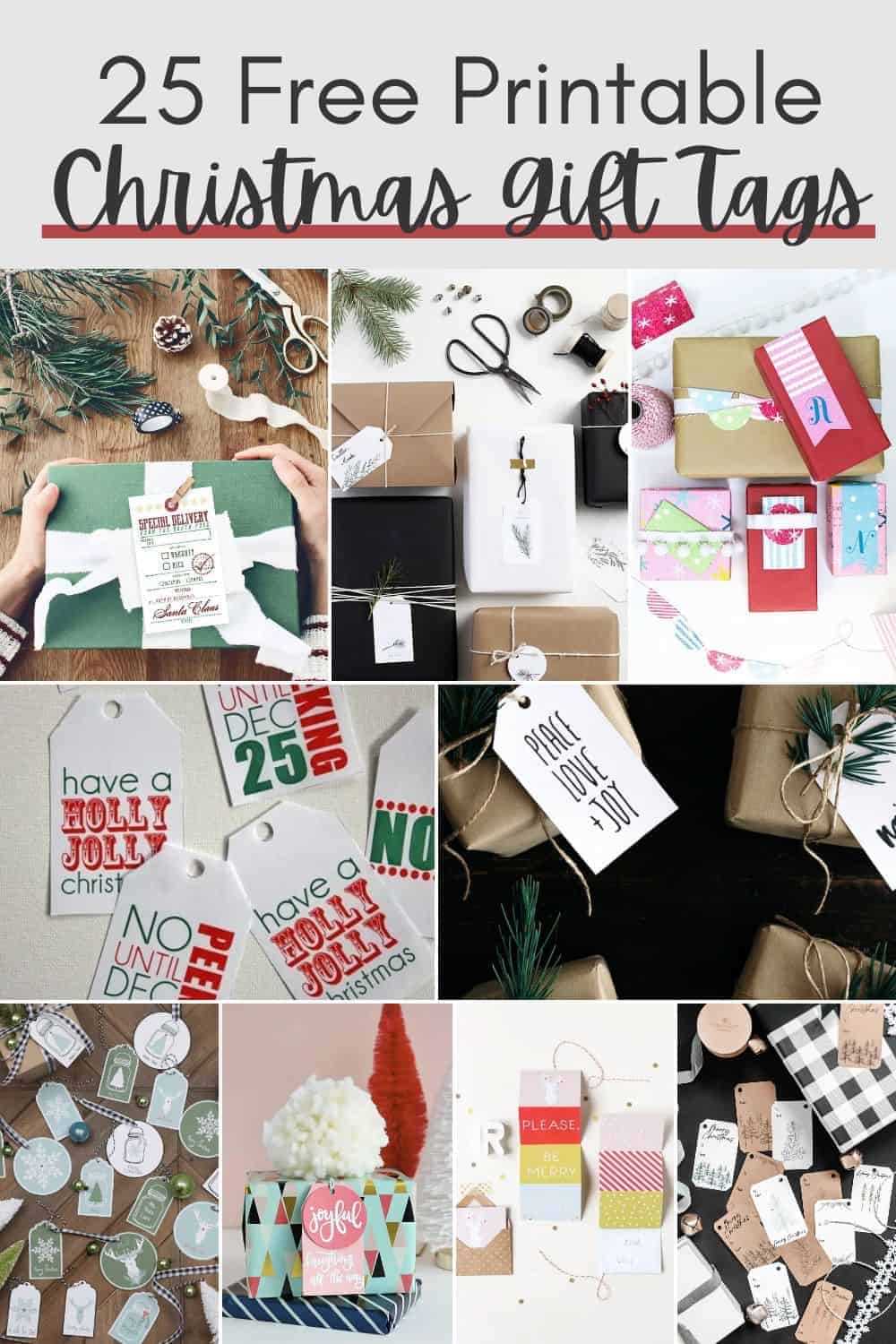
To create a unique look for your presents, start by selecting an online resource that offers downloadable label templates. These designs allow you to customize each detail, from the font to the layout, so your parcels will stand out. Look for simple, clean lines if you prefer an elegant style, or choose more decorative designs for a fun and festive touch.
Once you’ve chosen a template, think about the materials you’ll use. High-quality paper or cardstock is a must to avoid smudging, especially if you plan to write a message on each label. You can even experiment with textured papers for a more premium look. For extra flair, consider adding embellishments like ribbon or twine to complement the label design.
If you’re aiming for a cohesive look across all your gifts, consider designing matching labels for multiple items. You can play with colors and patterns to keep the theme consistent, or opt for different designs for each gift if you want a varied effect. Experimenting with layout sizes can also help you find the perfect fit for each box or bag.
Creating Custom Labels for Your Presents
For a truly unique look, start by choosing designs that match the theme of your celebration. Opt for elegant script fonts for formal occasions or fun, bold lettering for casual events. When selecting the style, keep in mind that the design should complement your wrapping paper or box, adding an extra layer of personalization without overwhelming the overall look.
Print the chosen designs on high-quality paper for a professional finish. If you plan on handwriting names or messages, use a thick cardstock to prevent ink from bleeding. You can also consider printing multiple labels on one sheet to save time and ensure uniformity across all the presents. For an added personal touch, use colored ink or stamps to highlight the recipient’s name or a short greeting.
How to Design Custom Labels Using Free Templates
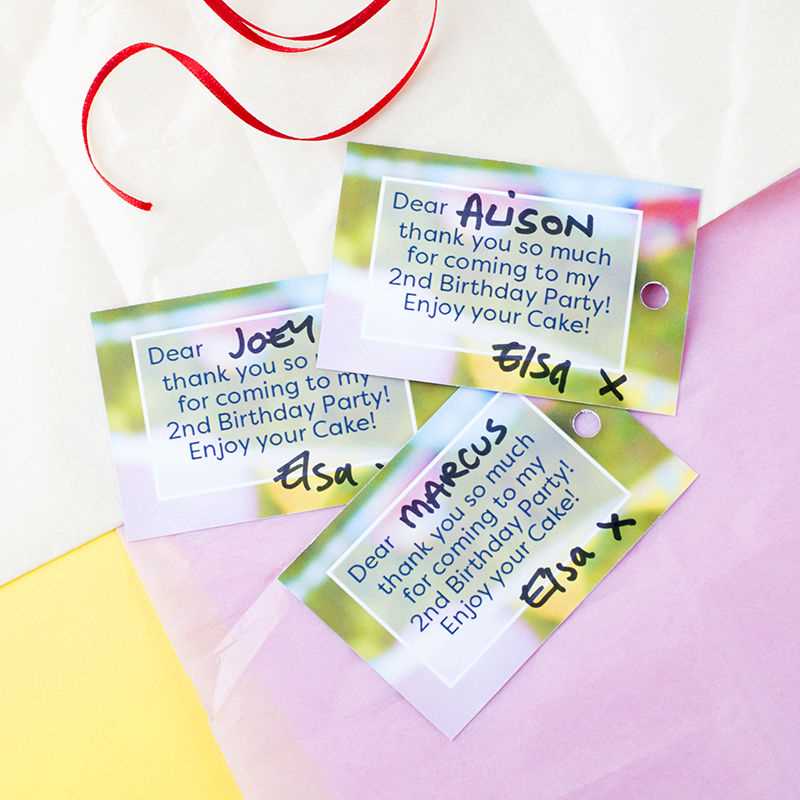
Start by selecting a free design template from trusted online sources. Many websites offer a wide range of layouts, from simple minimalist designs to more elaborate decorative styles. Choose one that aligns with your project’s theme and color scheme.
Once you’ve selected a template, open it in an editor such as Canva or Adobe Spark. These tools allow you to modify the text, adjust the size, and customize the font. If you’re working with a template that already has text, replace it with your own wording to make it unique.
Next, decide on the font style. A handwritten or cursive font will add a personal touch, while a bold, sans-serif font is great for more modern, clean designs. Be sure to consider readability, especially if you plan to include a message or a recipient’s name.
Incorporate colors that match your wrapping or the occasion. For example, use red, green, and gold for a holiday feel, or go with pastels for a spring event. These small details can tie your label to the overall aesthetic of your project.
If you want to add some extra charm, consider adding graphics or icons to your design. Simple elements like small stars, hearts, or holiday-related symbols can enhance the label without making it look too busy. Many free templates already include these, but you can upload custom images if desired.
Check the alignment of the text and design elements to ensure everything is evenly spaced. This creates a more professional look and prevents the label from appearing cluttered. Adjust the margins and padding to create a clean border around the text.
Before printing, preview the design to make sure everything looks correct. Most editors will give you an option to view your design as it would appear on paper. This ensures that you haven’t missed any details, such as spelling errors or design misalignments.
Finally, print your labels on high-quality paper, such as cardstock or thick printer paper, to achieve a polished result. If you’re unsure of the paper type, check the printer settings for the best paper weight and adjust accordingly. Once printed, you can cut out your labels and attach them to your parcels for a custom finishing touch.