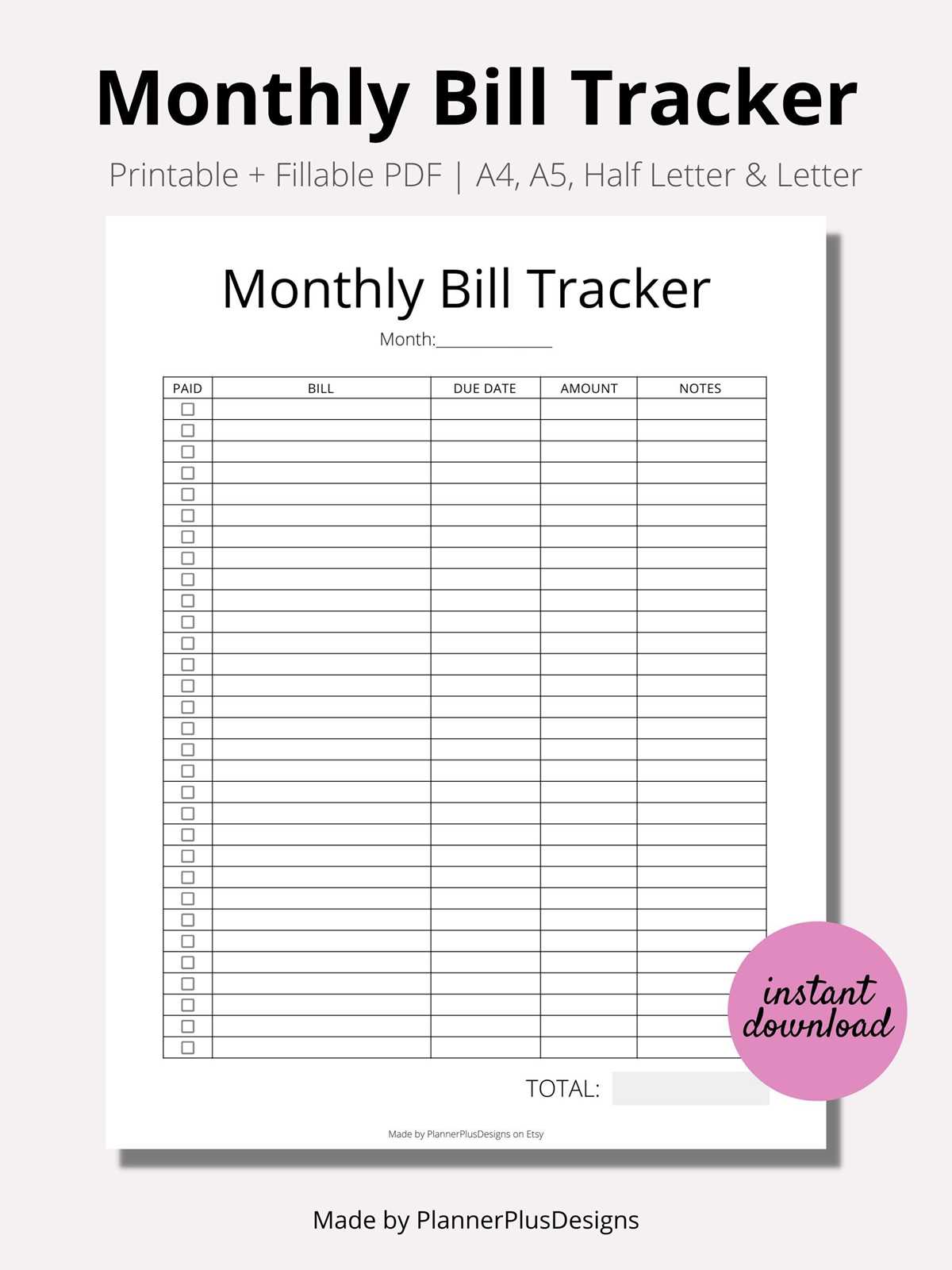
Begin by creating a system that categorizes all your financial commitments. Include sections for rent, utilities, subscriptions, and any other regular charges. This approach helps you monitor and ensure timely payments.
For each item, write down the due date, amount owed, and the payment method. Using this method reduces the chances of forgetting any obligations and ensures nothing slips through the cracks. You can adjust this as needed based on your financial habits and monthly changes.
By keeping everything in one place, you’ll avoid stress and confusion when payment time arrives. Keep track of your finances by marking off items as they’re paid, helping you stay on top of your financial obligations each month.
How to Set Up a Financial Tracking System for Bills
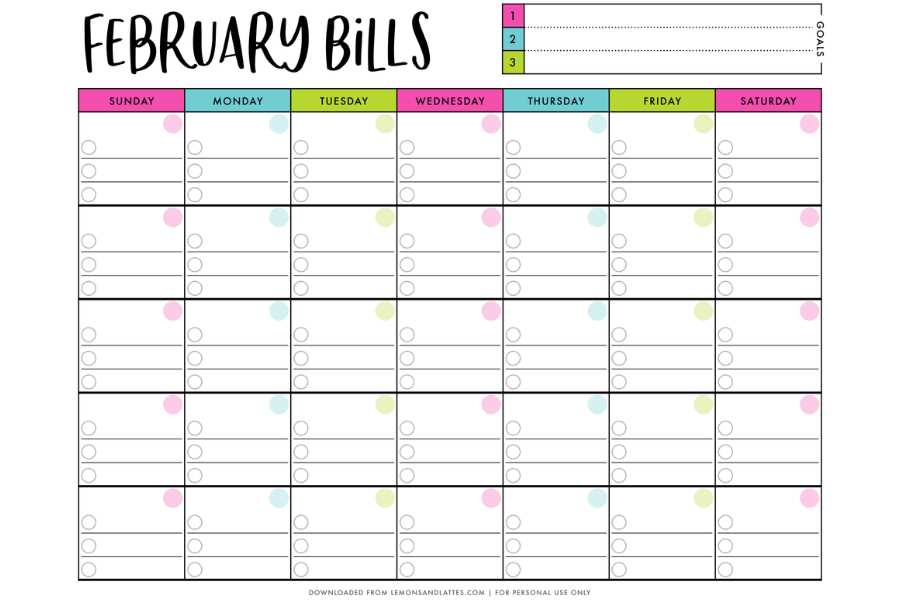
Begin by listing all your recurring financial commitments, such as rent, utilities, subscriptions, and credit payments. Group them by type, and include key information like the due date, amount, and payment method. This will give you a clear overview of what needs to be paid each month.
Use a table or grid to visually organize your expenses. Each row should correspond to a specific payment, and columns should include the payment amount, due date, and status. This format makes it easy to track payments and avoid confusion.
Consider color-coding the categories for easier identification. For instance, mark rent payments in blue, utilities in green, and subscriptions in yellow. This small adjustment can simplify your system and make it faster to spot which payments are due.
Track the payments by checking off each item once it’s been paid. Include a space for notes in case you need to add additional details, such as partial payments or changes to the due date. This helps you stay informed about your financial status without losing track of changes.
Set reminders a few days before each payment is due. Use your phone’s calendar app or an alarm system to help you remember important deadlines. With a system in place, you’ll ensure payments are made on time, and late fees can be avoided.
Regularly review your tracking system to ensure it stays up to date. Monthly financial commitments can fluctuate, and this system can be adjusted accordingly. For example, new subscriptions or changed payment amounts should be recorded immediately to prevent oversight.
For those who prefer digital tracking, consider transferring your physical system to an online tool or app. Many budgeting apps offer similar functionalities, with the added benefit of mobile access and automatic reminders, but having a printed version allows for tactile engagement and a hands-on approach.
How to Set Up a Household Expense Tracker
Start by listing all the regular payments you need to make each month, such as rent, utilities, subscriptions, and loan repayments. Group them by type (e.g., housing, utilities, entertainment) for easier organization. Write down the due date and the amount to be paid next to each item.
Next, create a simple table or chart. Include columns for the payment description, due date, amount, and payment status. This allows you to track each item more effectively and ensure nothing gets missed. For added clarity, use different colors to distinguish between payment categories.
Set up reminders in your phone or calendar a few days before each payment is due. This will ensure that you don’t forget any due dates. You can also allocate a specific day each month to review and update your tracker to stay on top of any changes.
Finally, periodically review the tracker to identify any patterns in your spending. This will help you find areas where you can save money or adjust your budget. By staying organized, you can manage your household finances without stress and prevent late fees from accumulating.