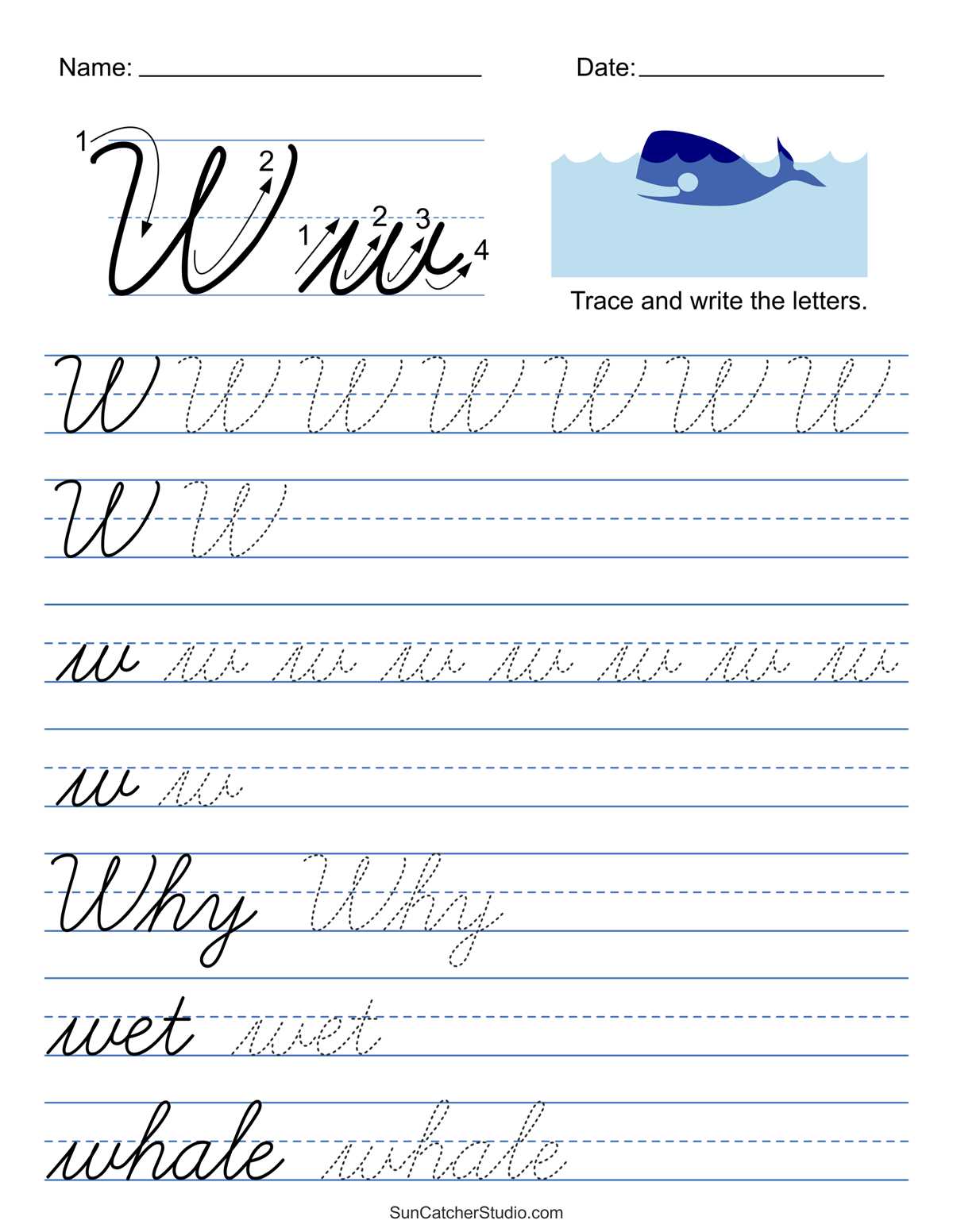
Download high-resolution PDF letter sets with 300 DPI clarity and clear baseline guides to support consistent stroke height and spacing. Choose sheets that include both uppercase and lowercase script forms from A to Z, with directional arrows showing entry and exit strokes for each character.
Select versions that provide dashed tracing lines for beginners and blank ruled lines for independent practice. For early elementary students, use wide-ruled layouts with 12–14 mm line spacing; for grades 3–5, switch to standard 8–10 mm spacing to refine proportion and slant control. Print on 100–120 gsm paper to prevent ink bleed and tearing during repeated drills.
Organize practice into short daily sessions of 10–15 minutes, focusing on 3–5 letters at a time. Pair each symbol with simple joining exercises such as ab, lo, or st to develop fluid connections. Track progress weekly by comparing early tracing attempts with later freehand samples stored in a dated folder.
Use sharpened HB pencils for beginners to maintain light pressure and transition to gel pens once letter formation becomes stable. Keep margin space for teacher or parent feedback on slant angle, loop size, and consistent baseline alignment.
Free Cursive Printable Alphabet Worksheets for Practice
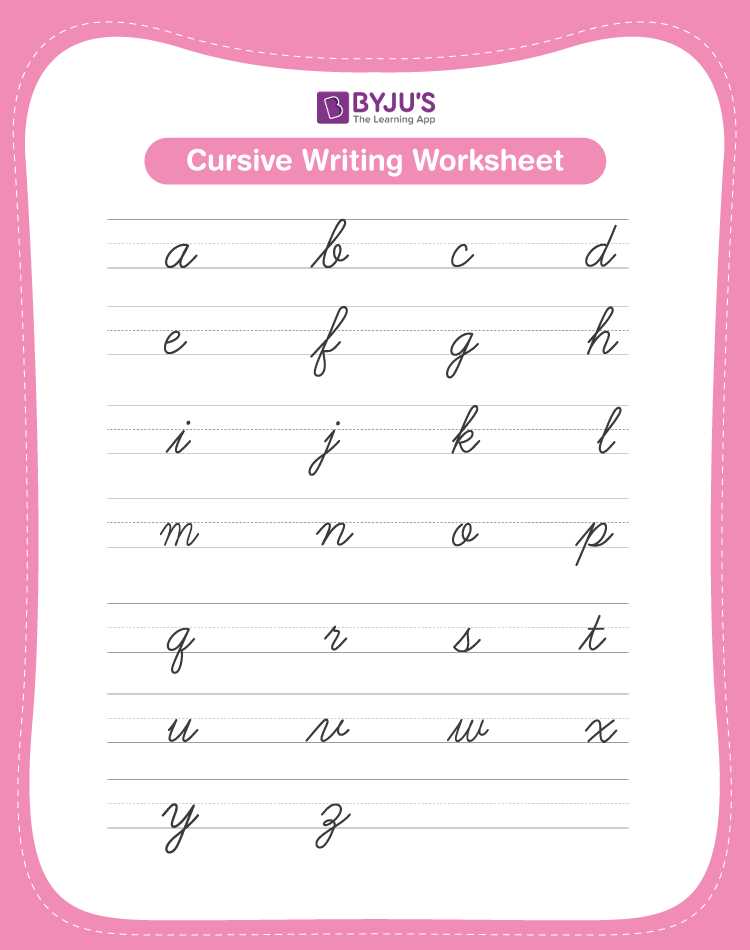
Download A to Z script letter worksheets in high-resolution PDF format with baseline guides, slant indicators, and directional arrows for each stroke. Select sets that include both capital and lowercase forms on separate sheets to prevent visual overload and allow focused drills on letter structure.
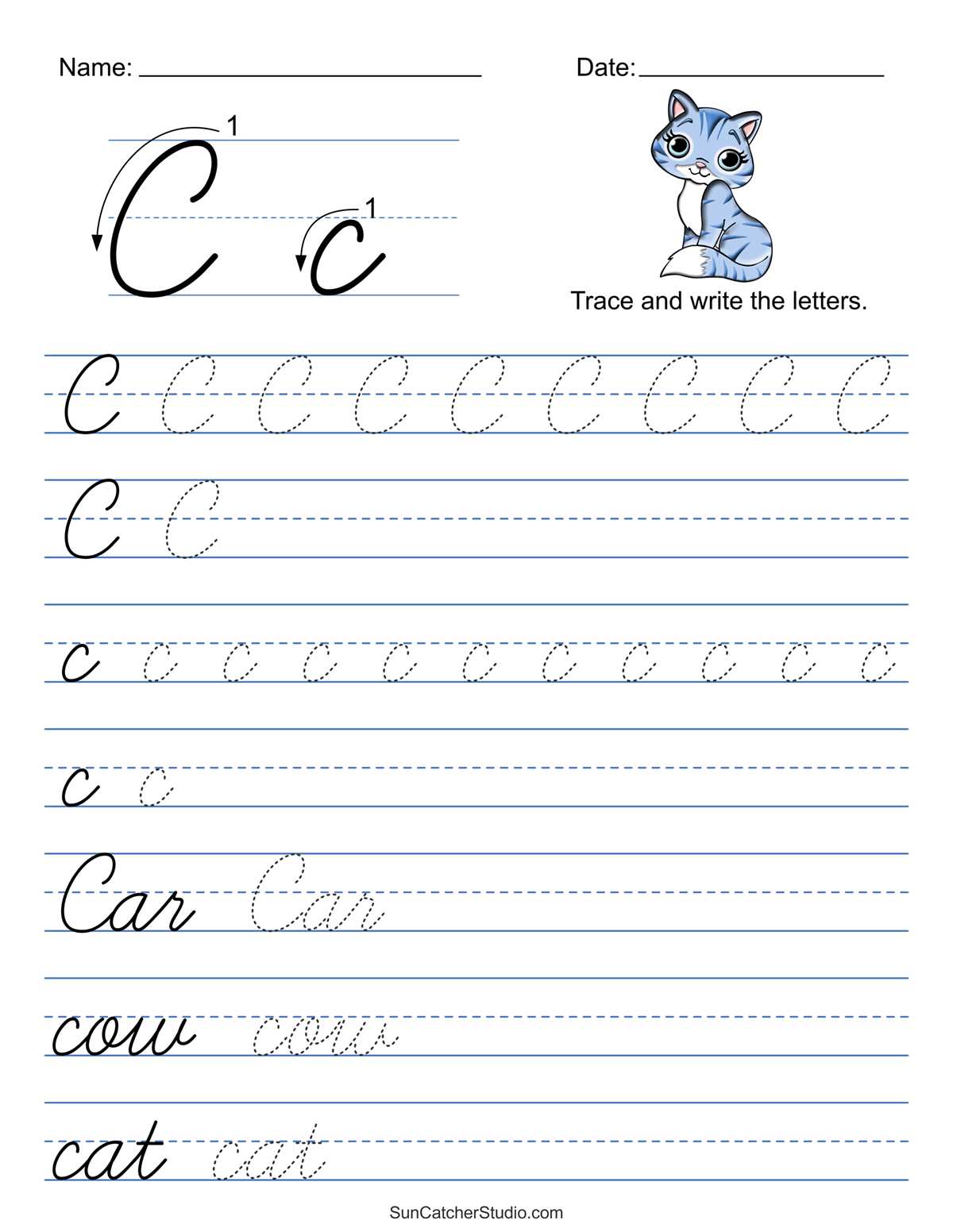
Choose layouts with dashed trace lines for beginners and solid blank lines for advanced learners. For grades 1–2, use wide-ruled templates with 12 mm spacing to control letter height and loop size; for grades 3–5, switch to 8 mm spacing to refine proportion and alignment. Print on 100–120 gsm paper to avoid ink bleed during repeated practice sessions.
Organize daily handwriting sessions into 10-minute blocks covering 4–6 symbols at a time. Add short connection drills such as th, cl, and ing to train smooth joins and consistent slant. Keep completed sheets in a dated folder to measure improvement in stroke flow, spacing uniformity, and baseline control.
Use HB pencils for early tracing and transition to fine-tip pens once letter formation stabilizes. Leave margin space for corrective notes on loop closure, entry strokes, and pressure consistency to guide steady progress.
How to Download and Print Cursive Alphabet Sheets in A4 and US Letter Size
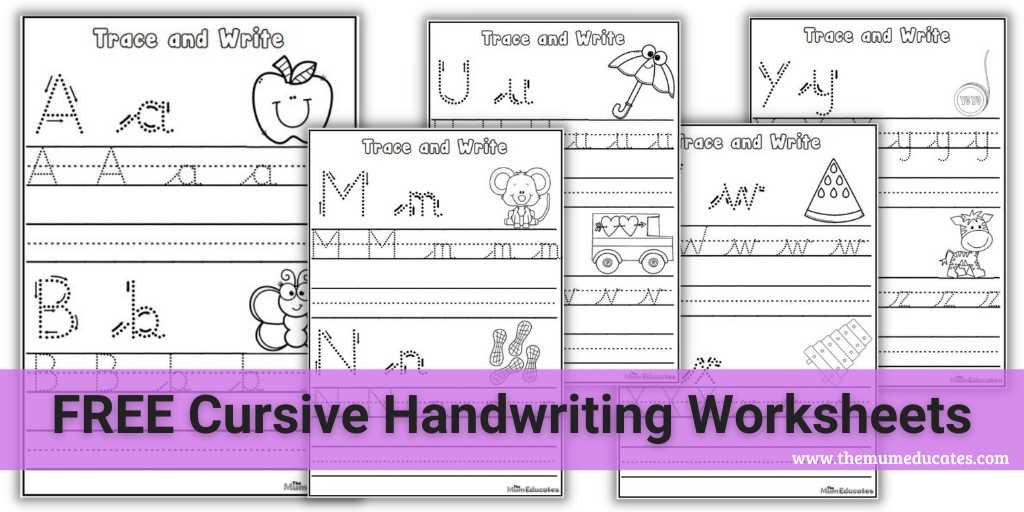
Download the script letter practice file in PDF format with 300 DPI resolution and open it in a dedicated PDF viewer rather than a browser preview to preserve margins and line spacing. Confirm that the document includes clear baseline guides and proportional letter height markers before saving it to your device.
Select the correct paper size in the print dialog: choose A4 (210 × 297 mm) for most international users or US Letter (8.5 × 11 inches) for North America. Disable “Fit to Page” or automatic scaling and set the scale to 100 percent to keep stroke proportions accurate and prevent distortion of loops and slanted lines.
Check orientation settings before printing. Portrait mode suits vertical letter drills and single-column tracing sheets, while landscape mode works better for wider practice rows with extended joining exercises. Preview the layout to ensure that top and bottom margins are not clipped.
Use standard white paper between 100 and 120 gsm to prevent ink bleed during repeated tracing. For younger learners who press harder with pencils, choose slightly thicker stock to reduce embossing and page tearing.
If the document offers separate files for uppercase and lowercase forms, download both and print them individually rather than combining them on one sheet. This approach keeps visual focus on a single letter group and avoids overcrowding practice lines.
After printing, inspect one sample sheet for alignment accuracy. Verify that baseline guides run parallel to the page edge and that letter slant indicators remain at the intended angle without skewing.
Store digital copies in a clearly labeled folder by paper size and difficulty level so you can quickly reprint the correct version without adjusting settings each time.