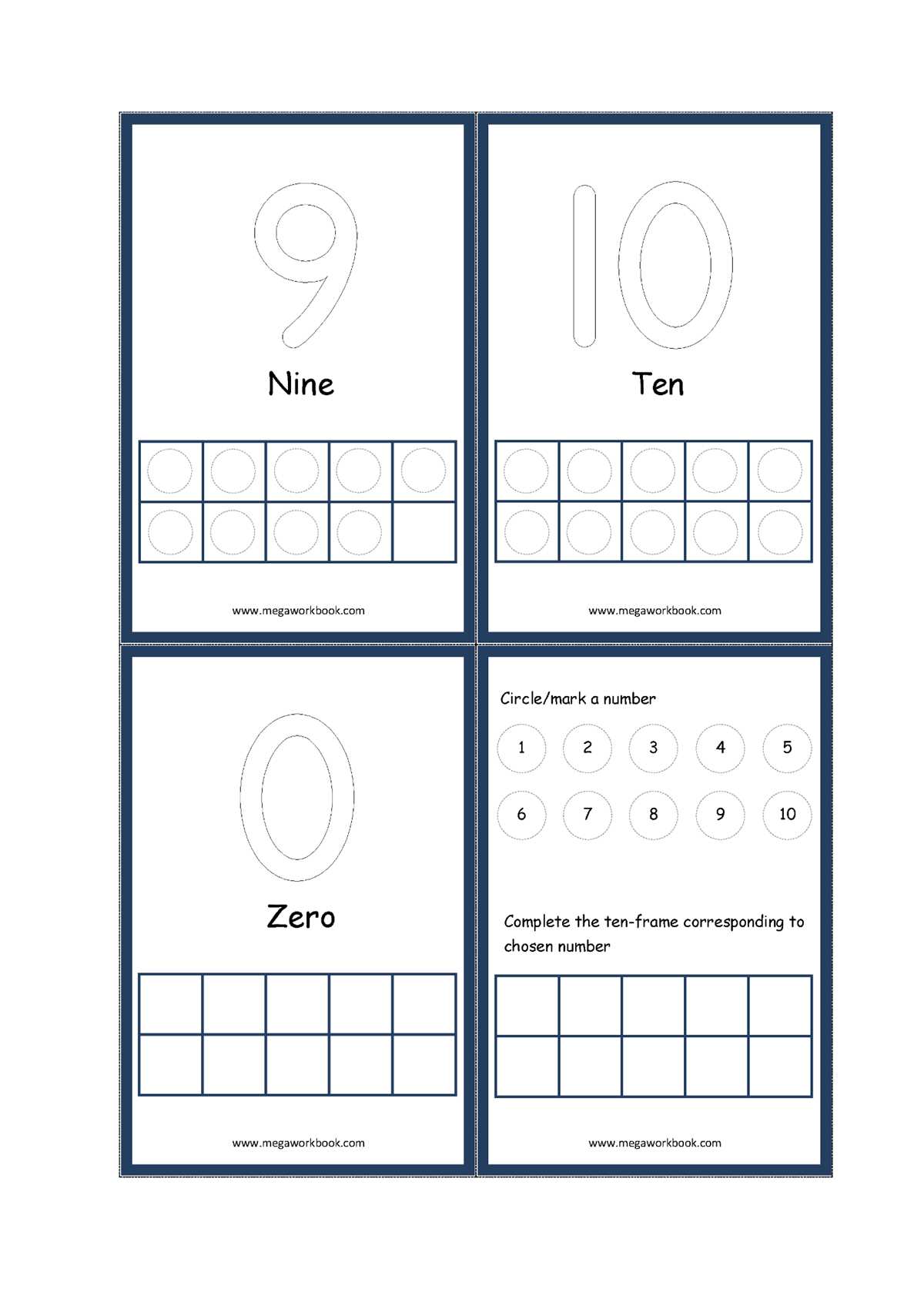
Choose a clean ten-box counting sheet with evenly spaced cells measuring about 2–2.5 cm each; this size allows young learners to place counters accurately without crowding. Teachers working with children aged 4–6 report faster number recognition when activities focus on filling all ten positions systematically rather than randomly.
A well-designed counting grid should display two horizontal rows of five boxes. This arrangement supports subitizing–the rapid recognition of quantities without counting one by one. For classroom use, prepare several versions: blank sets for open practice, dotted guides for beginners, and themed variations (animals, dots, shapes) to maintain engagement during repeated exercises.
For best results, pair the sheet with small physical objects such as buttons, beads, or math cubes. Limit each session to 5–7 minutes and ask learners to represent numbers in multiple ways (for example: show 6, then 8, then 10). Consistent short practice has been shown in early numeracy studies to improve counting accuracy and one-to-one correspondence within two to three weeks.
Keep the layout high-contrast–black outlines on a white background–and avoid decorative clutter inside the boxes. Clear visual structure helps children focus on quantity relationships, especially when practicing addition facts like 5 + 3 or complements of ten.
10 Frame Printable: Practical Guide for Classroom and Home Use
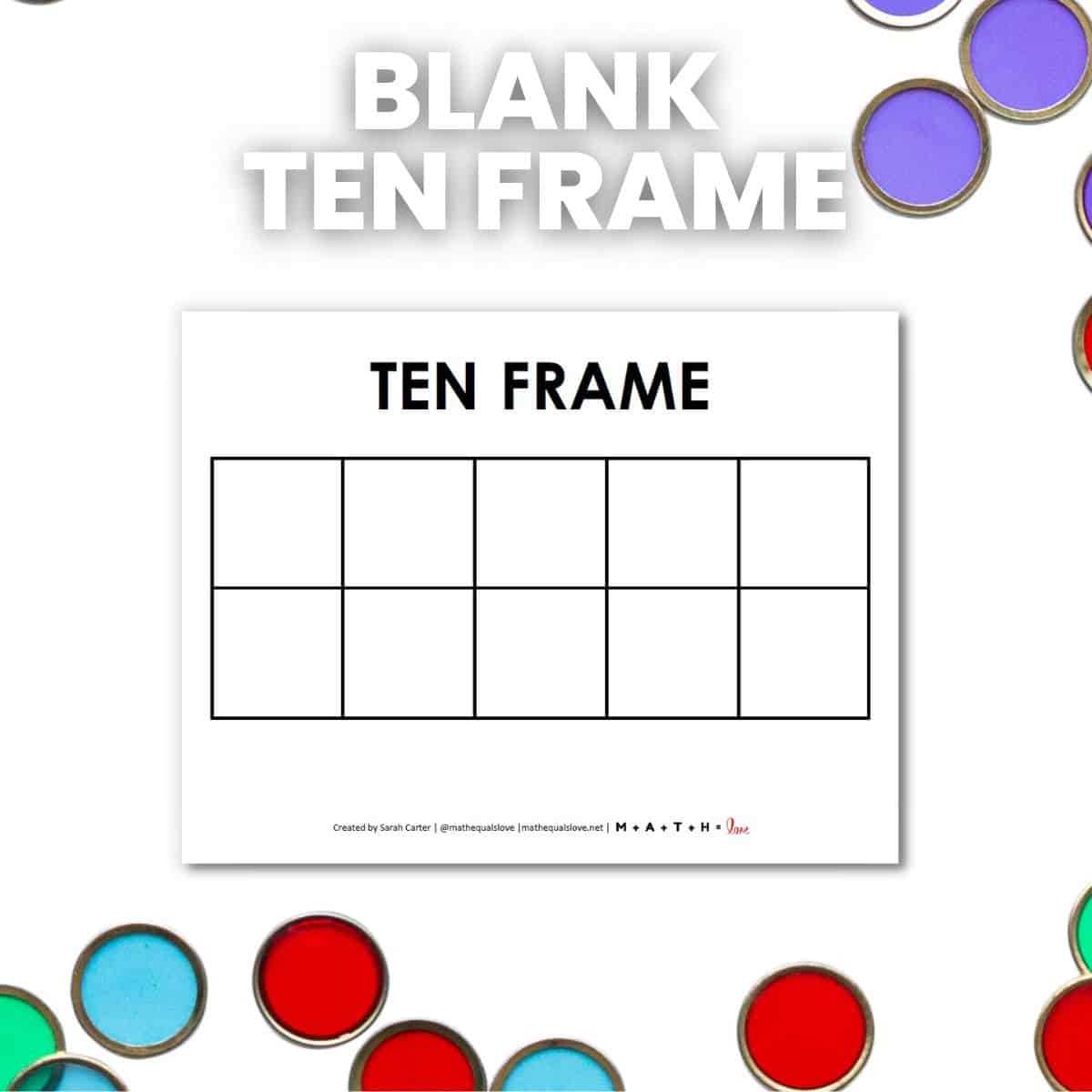
Use a ten-cell counting grid on sturdy paper (160–200 gsm) and laminate it to extend lifespan beyond one semester of daily math practice. For kindergarten groups, prepare at least one board per two students and include two-color counters (red/yellow) to support number composition exercises up to 10. At home, keep sessions short–7–10 minutes–and rotate activities every three days: one day for counting objects, one for addition within ten, one for quick visual recognition. Store boards in labeled envelopes to avoid bending, and print extras at 90% scale for travel kits or homework folders.
In classroom routines, vary task structure to prevent mechanical responses and strengthen number sense. Use dry-erase markers on laminated boards for rapid drills and timed challenges (for example, “fill 8 in under 5 seconds”). For mixed-ability groups, assign tiered tasks: beginners place physical tokens, intermediate learners draw dots, advanced students write equations that match the filled grid. At home, integrate the tool into daily life by asking children to model snack quantities or toy counts. Track progress weekly using a simple checklist:
- Recognizes quantities up to 5 without counting
- Completes sums within ten using the grid
- Explains number combinations verbally
- Fills all ten cells accurately within 10 seconds
Replace worn boards every 3–4 months in high-use classrooms, and keep a digital master file organized by size (A4, US Letter) for quick reprints when sets go missing.
How to Design a Clear 10 Frame Printable for Counting Activities
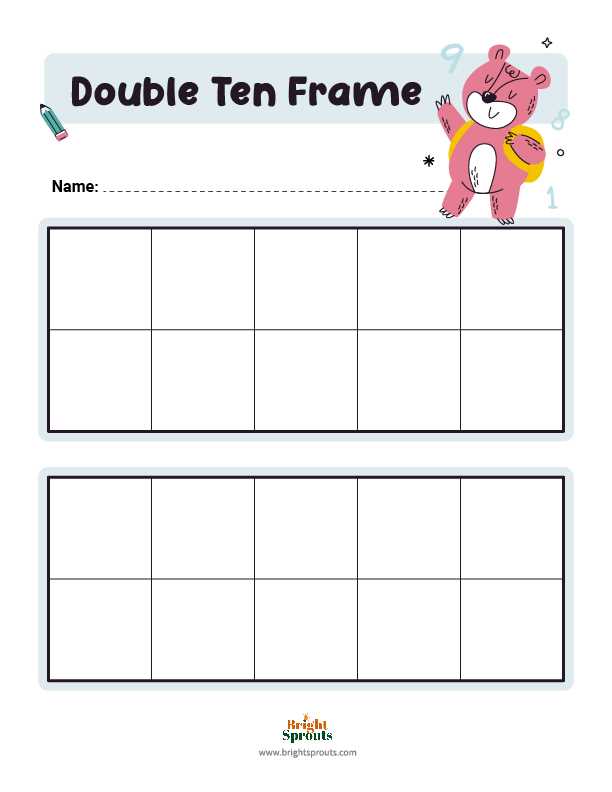
Use a 5×2 grid layout with evenly spaced squares measuring about 2–2.5 cm each. This size fits standard classroom manipulatives such as counters, beans, or small buttons without crowding. Keep line thickness between 1.5–2 pt so the structure remains visible after repeated copying. Maintain consistent margins of at least 1 cm around the grid to prevent clipping during printing.
Choose high-contrast colors that support quick visual recognition. Black lines on a white background work best for photocopying, while a soft pastel fill can help younger learners track quantities without distraction. Avoid more than two colors on the page. If you include colored versions, ensure they still read clearly when converted to grayscale, since many classrooms print in black and white.
Label placement should be minimal and purposeful. Add a small number line (0–10) beneath the grid or a discreet title above it in a clean sans-serif font such as Arial or Helvetica at 14–18 pt. Skip decorative fonts; they slow recognition for early learners. If directions are included, limit them to one short sentence, for example: “Place counters to show the number.”
Support repeated classroom use by preparing multiple layout variations. Provide a blank grid, a version with faint dot guides inside each square, and a partially filled model showing quantities like 5 or 10. Teachers often need differentiated materials, and offering these options removes the need for manual edits. Keep all versions aligned to the same page structure so they can be mixed in worksheets.
Before finalizing, print a test copy at 100% scale and physically place common math manipulatives inside the boxes. Check for crowding, line clarity after photocopying, and readability from about one meter away–the typical desk viewing distance. Adjust spacing or stroke weight if shapes blur together. A quick physical check prevents usability problems that are hard to notice on screen.