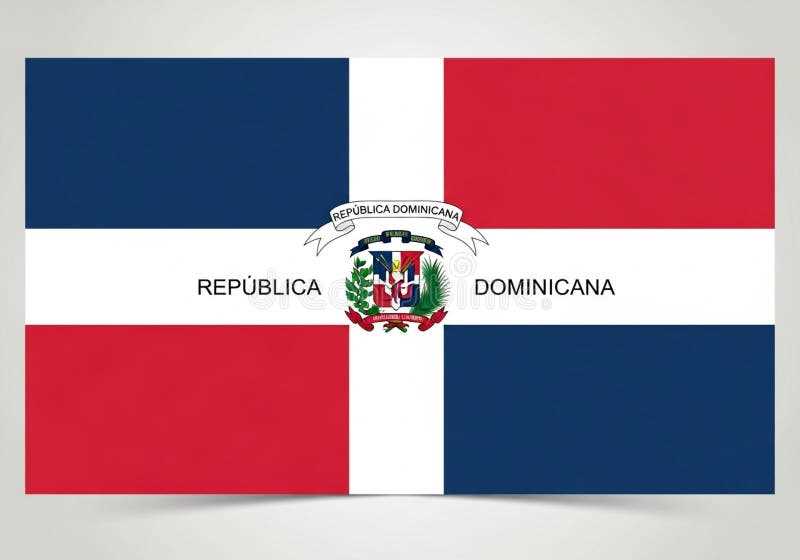
Choose a vector file in SVG or PDF format at 300 DPI to maintain sharp edges and accurate proportions when printing the national banner of the Caribbean state with a white cross and central coat of arms. Set the aspect ratio to 2:3 and confirm that the cross divides the field into four equal rectangles: blue in the top-left and bottom-right, red in the top-right and bottom-left.
Use CMYK color values for precise output: blue approximately C100 M60 Y0 K0, red approximately C0 M100 Y100 K0, and pure white for the cross. For home printers, select heavyweight matte paper between 160–250 gsm to prevent ink bleed and curling. Disable automatic scaling in print settings to preserve margins and symmetry.
The central coat of arms must remain legible at smaller sizes. For sheets under A4 or Letter dimensions, use a simplified high-contrast emblem version with clean outlines and flattened gradients. Maintain clear space around the shield so that no trimming cuts into the surrounding white cross.
For classroom or event décor, prepare multiple sizes: A4 for handouts, A3 for wall display, and a large-format PDF tiled across four A4 pages for poster assembly. Align crop marks carefully and trim with a metal ruler to keep the cross perfectly centered after mounting.
If the design is intended for outdoor use, laminate the print or mount it on foam board at least 5 mm thick. Store the file in both editable (AI or EPS) and flattened PDF versions to allow quick resizing without quality loss. Double-check that no shadows, textures, or background patterns alter the official red, blue, and white layout.
Printable Dominican Republic Flag Files for School Projects and Events
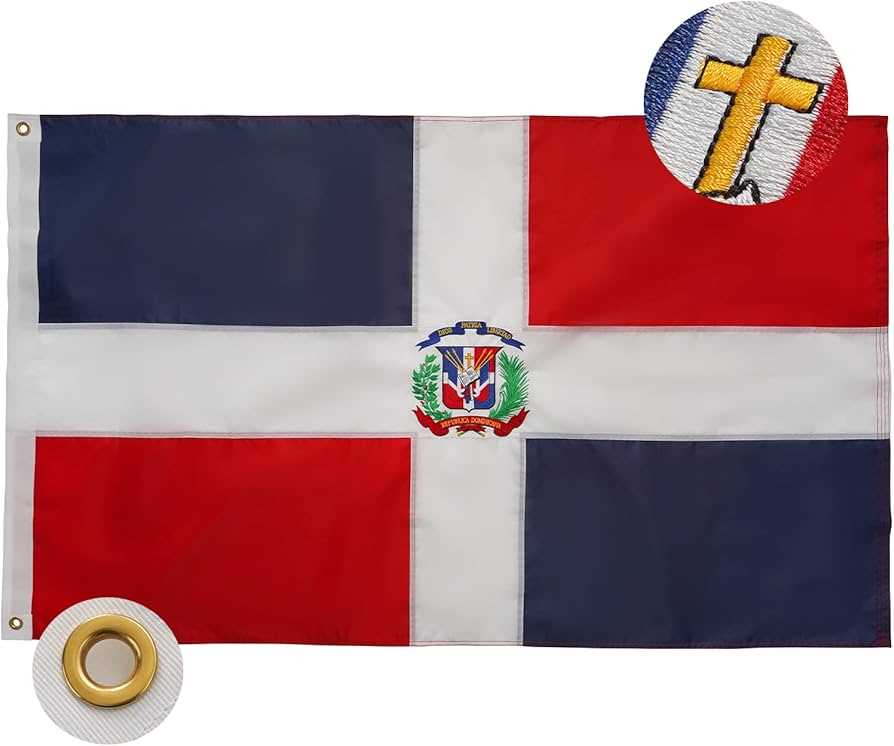
Download a high-resolution layout of the national banner of the Caribbean state with a minimum of 300 DPI and a 2:3 ratio to maintain correct proportions for classroom displays and cultural programs. Choose vector formats such as PDF or SVG for sharp scaling on posters up to A1 size, and use CMYK color values close to C:100 M:90 Y:10 K:0 for blue and C:15 M:100 Y:100 K:5 for red to keep tones accurate. Ensure the central coat of arms is centered precisely at the intersection of the white cross, occupying about one third of the height. For group activities, prepare multiple sheet sizes:
- A4 horizontal layout for desk presentations
- Letter size for US-based schools
- A3 for hallway exhibitions
- Mini 10×15 cm handouts for student reports
Use matte paper between 120–200 gsm for wall mounting and heavier cardstock above 250 gsm for handheld symbols during assemblies. Activate “actual size” or 100% scale in print settings to avoid distortion of the cross and shield. For outdoor events, laminate sheets with 80–125 micron film to prevent moisture damage and color fading under sunlight. If the design includes the national coat of arms motto text, verify legibility at a viewing distance of at least 2 meters by testing a draft copy before mass production.
For school fairs or heritage days, prepare a layered file that allows removal of the emblem for simplified coloring worksheets, enabling younger students to focus on the quartered red and blue fields separated by a white cross. Provide both color and outline versions to support art assignments and historical presentations about the island nation in the Caribbean. Store master files in a shared cloud folder labeled by size and orientation to prevent version confusion during event preparation.
Where to Download High-Resolution Dominican Republic Flag PDFs in A4 and US Letter Sizes
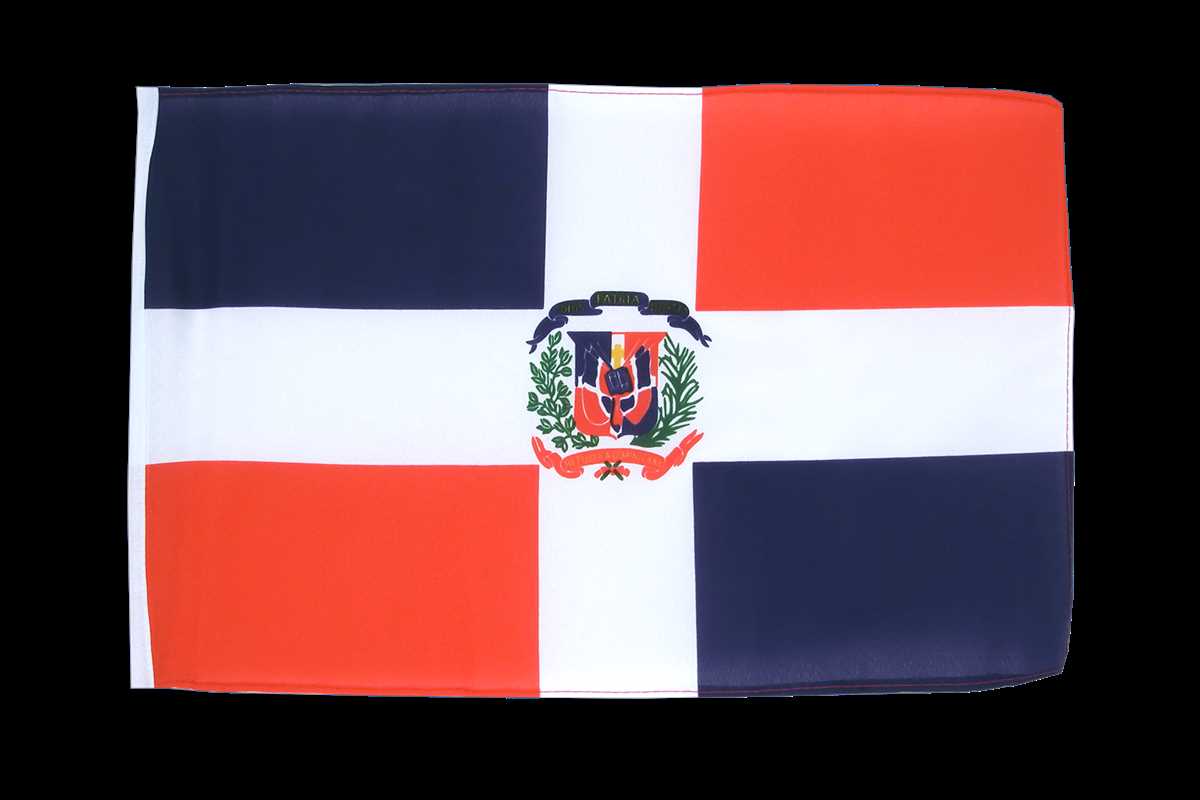
Download high-resolution PDF files from official government portals such as the Ministry of Presidency of the Caribbean nation of Hispaniola, where vector-based artwork is often provided for public use. Look for files labeled as 300 DPI or higher, with embedded CMYK color profiles and clearly defined proportions (2:3 ratio). Verify that the coat of arms in the center is sharp at 100% zoom without pixelation before saving in A4 (210 × 297 mm) or US Letter (8.5 × 11 in).
Use international public-domain archives like Wikimedia Commons and filter results by “vector PDF” or “SVG converted to PDF.” Select files that specify exact Pantone or RGB values for the red (approx. Pantone 186 C), blue (Pantone 286 C), and white cross. After downloading, confirm the page setup matches your required paper format and that margins do not distort the national banner’s geometry.
For classroom or event signage, educational resource platforms such as Teachers Pay Teachers or government education departments frequently provide press-ready PDFs in both metric and US paper standards. Choose versions with bleed marks if trimming is required, and check that the central shield text remains legible at full-page print scale.
Graphic design marketplaces including Etsy and Creative Market often offer paid, high-resolution artwork optimized for large-format output. Prioritize listings that mention vector layers, editable text elements, and separate color channels. A file size above 1 MB for a single-page PDF typically indicates sufficient detail for sharp output.
If exact sizing is mandatory, download an SVG file from a reliable archive and export it to PDF through Adobe Illustrator or Inkscape, setting the artboard explicitly to A4 or US Letter. Disable automatic scaling in printer settings to preserve the proportions of the national tricolor and ensure the white cross remains perfectly centered across both paper standards.