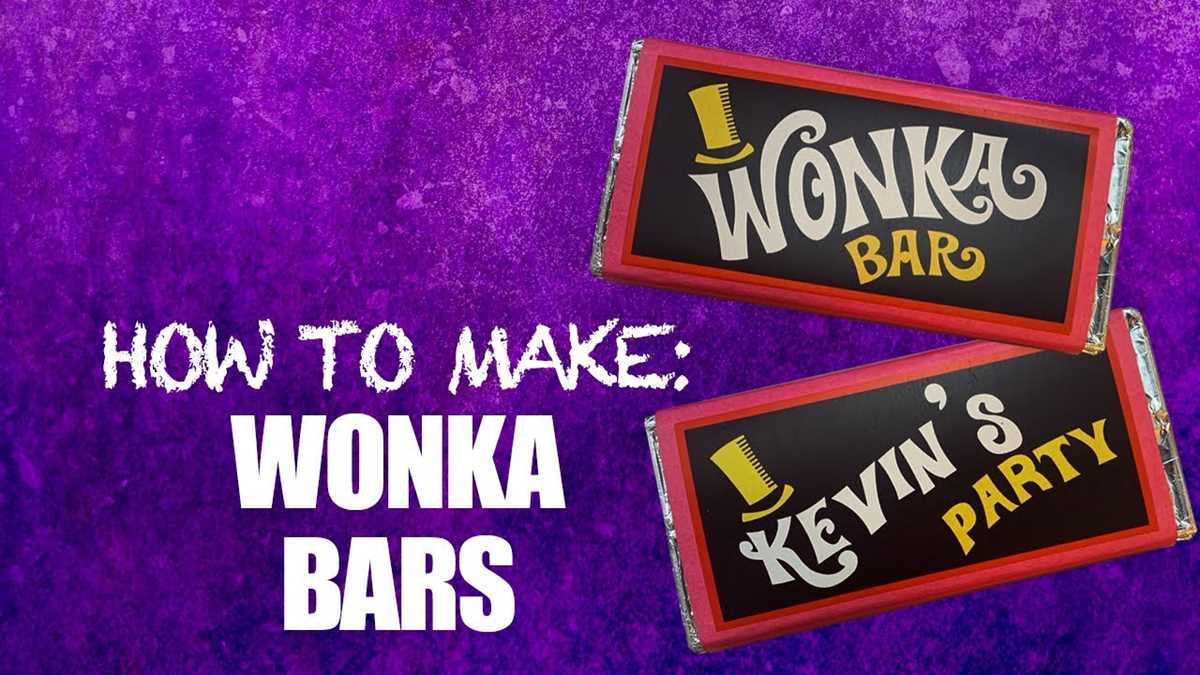
To make a custom wrapper for your chocolate, start by finding a high-quality template that fits the size and design you want. Look for templates that offer flexibility in terms of colors and text, allowing you to personalize the design. Once you’ve downloaded the template, ensure your printer settings are adjusted to print the design at the correct size. Using a high-resolution image will help produce a sharp and vibrant result.
After printing the template, carefully cut along the edges of the design. Use scissors or a craft knife for precise cuts, ensuring that the edges are clean and neat. If you plan to wrap your candy around a chocolate bar, check the dimensions of your candy to make sure the template will fit comfortably. If necessary, adjust the design by trimming or resizing it before proceeding.
For a polished look, consider using a thicker paper or cardstock to print your design. This will add sturdiness to the wrapper, making it feel more like an authentic product. Once your wrapper is cut out, wrap it around the chocolate bar and secure it with glue, double-sided tape, or a glue stick. Take your time to make sure the design aligns perfectly and is smooth on all sides.
Personalizing your design can be a fun step. Add a name, date, or message that reflects the occasion, whether it’s a birthday, holiday, or special event. You can also incorporate unique graphics or patterns to further tailor the look. Experimenting with different color schemes or even adding your own artwork can make the wrapper even more special.
Guide to Creating and Customizing a Chocolate Wrapper
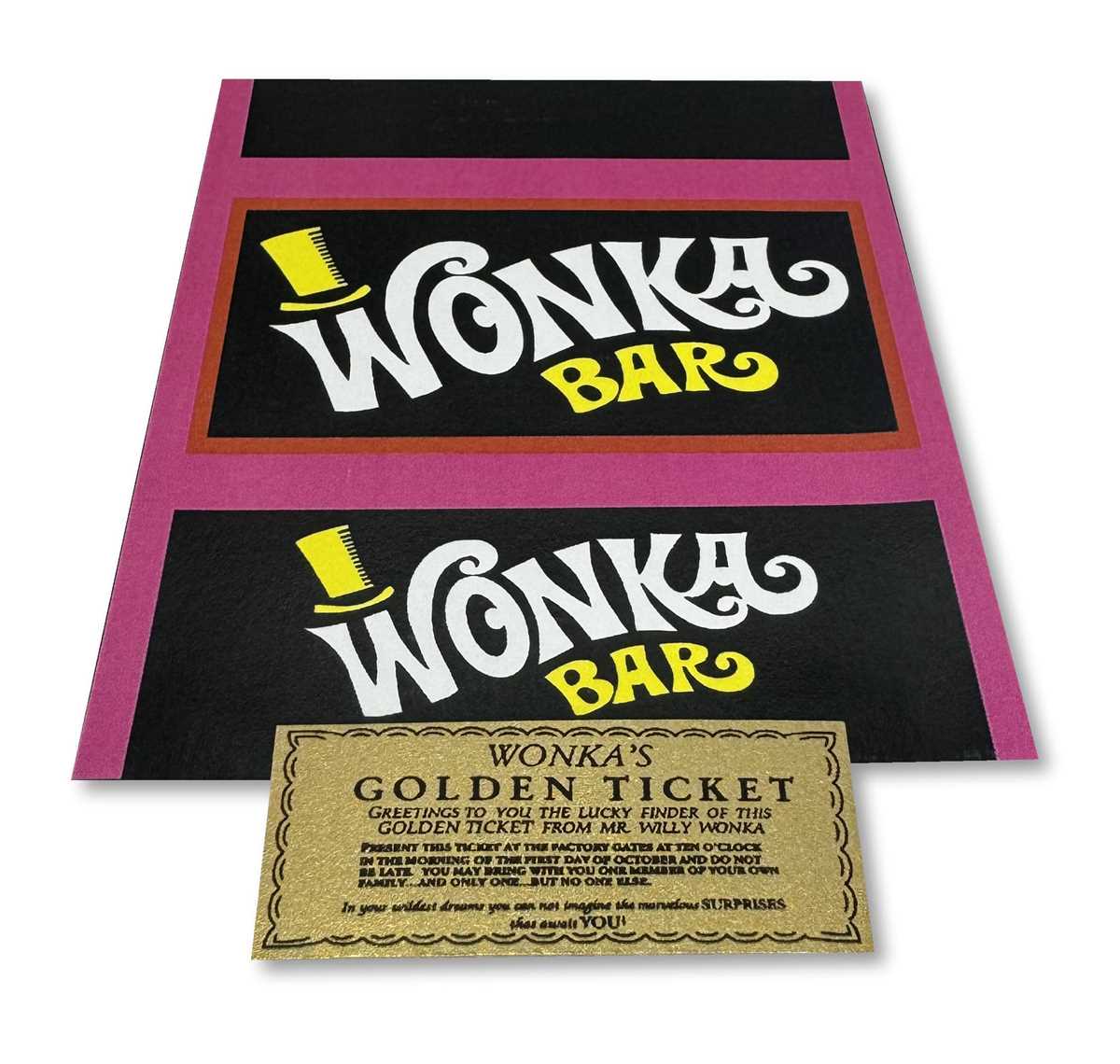
Begin by choosing a suitable template that corresponds to the dimensions of your chocolate. You can find customizable designs online or create your own using design software. Ensure the measurements align with the size of your product to avoid any misalignment when wrapping.
Once you’ve selected or created a template, personalize it by adding text, images, and colors. Adjust the font size and style to fit your theme. Consider adding special messages or a unique logo to make the packaging stand out. This is where you can really reflect your personal style or match the wrapper to the event for which it’s intended.
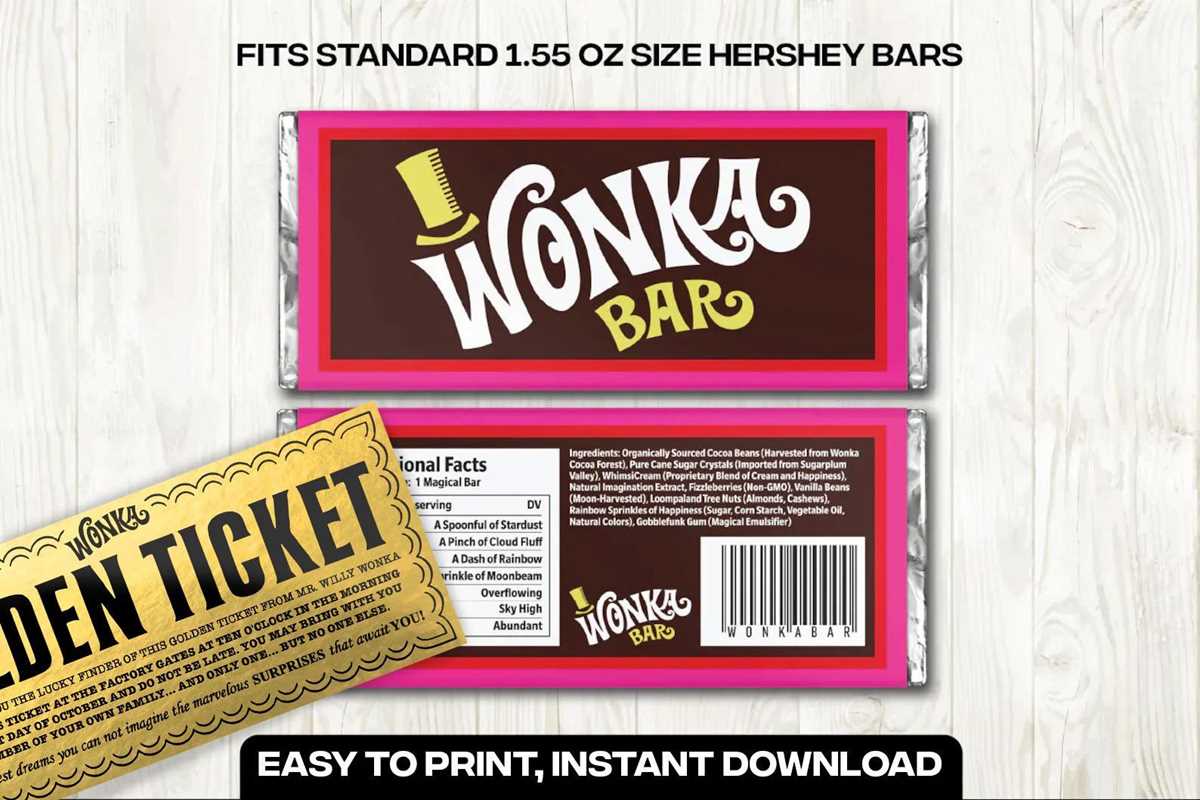
After finalizing your design, print it on high-quality paper for a professional finish. Use thicker paper or cardstock to make the wrapper more durable. Carefully cut out the design, and wrap it around the chocolate. Secure it with tape or glue, making sure it stays in place and the edges are neat. You now have a custom chocolate wrapper ready for any occasion.
How to Download and Print a Chocolate Wrapper Template
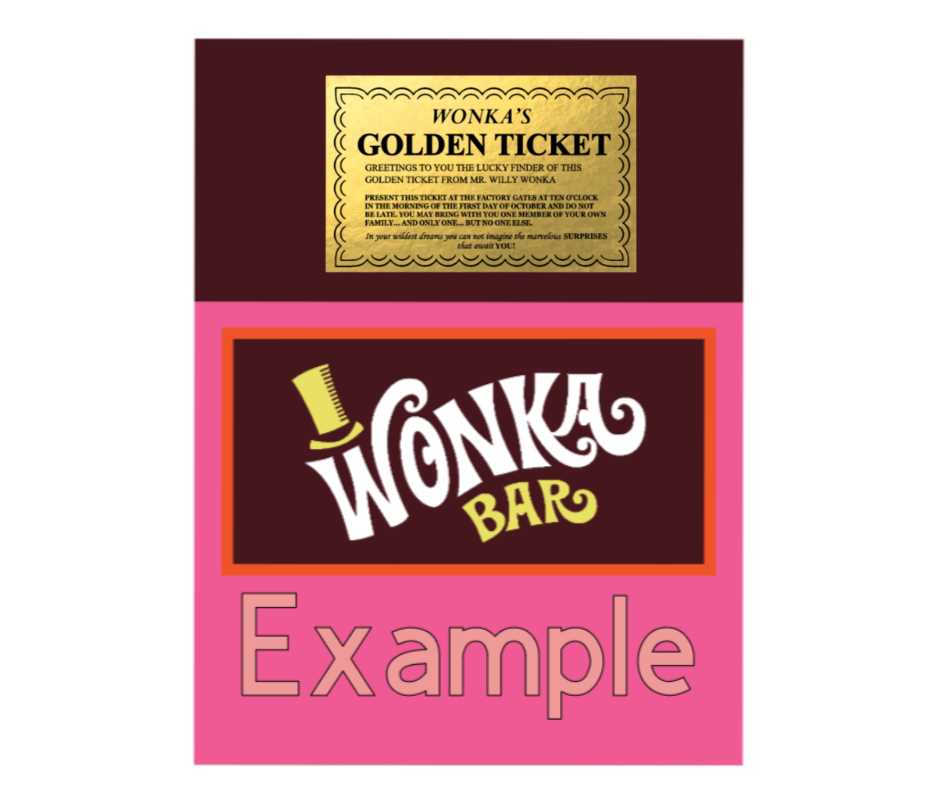
Start by searching for a chocolate packaging design template online. Use trusted websites that offer downloadable templates in PDF or image formats. Many sites provide free options, so make sure to choose one that fits your needs. Look for templates that match the dimensions of your candy bar or package size.
Once you’ve found the right design, click the download button and save the file to your computer. Ensure the file type is compatible with your printer and design software, if you need to make further adjustments. Most templates are available in common formats like PDF, JPG, or PNG, which work well with home printers.
After downloading, open the file on your computer and check the design. If needed, adjust the print settings, such as scaling or margin options, to fit the template precisely. You may also want to modify the colors or add personal text using an editing tool before printing.
Next, prepare your printer for the task. Use high-quality paper or cardstock to achieve a sturdy and professional result. Check the printer’s ink levels to ensure vibrant colors and sharp lines. Adjust the paper settings in the printer options to match the thickness of your chosen paper type.
Once the printer is ready, hit the print button and carefully monitor the process to ensure the template is printed correctly. Make sure the design fits properly on the paper and is aligned properly. Once printed, allow the paper to dry if necessary to avoid smudging the ink.
Finally, carefully cut out the printed template and wrap it around your candy. Use tape or glue to secure the edges, ensuring that the design is neatly aligned and looks clean. Your custom candy packaging is now ready for use or gift-giving!